
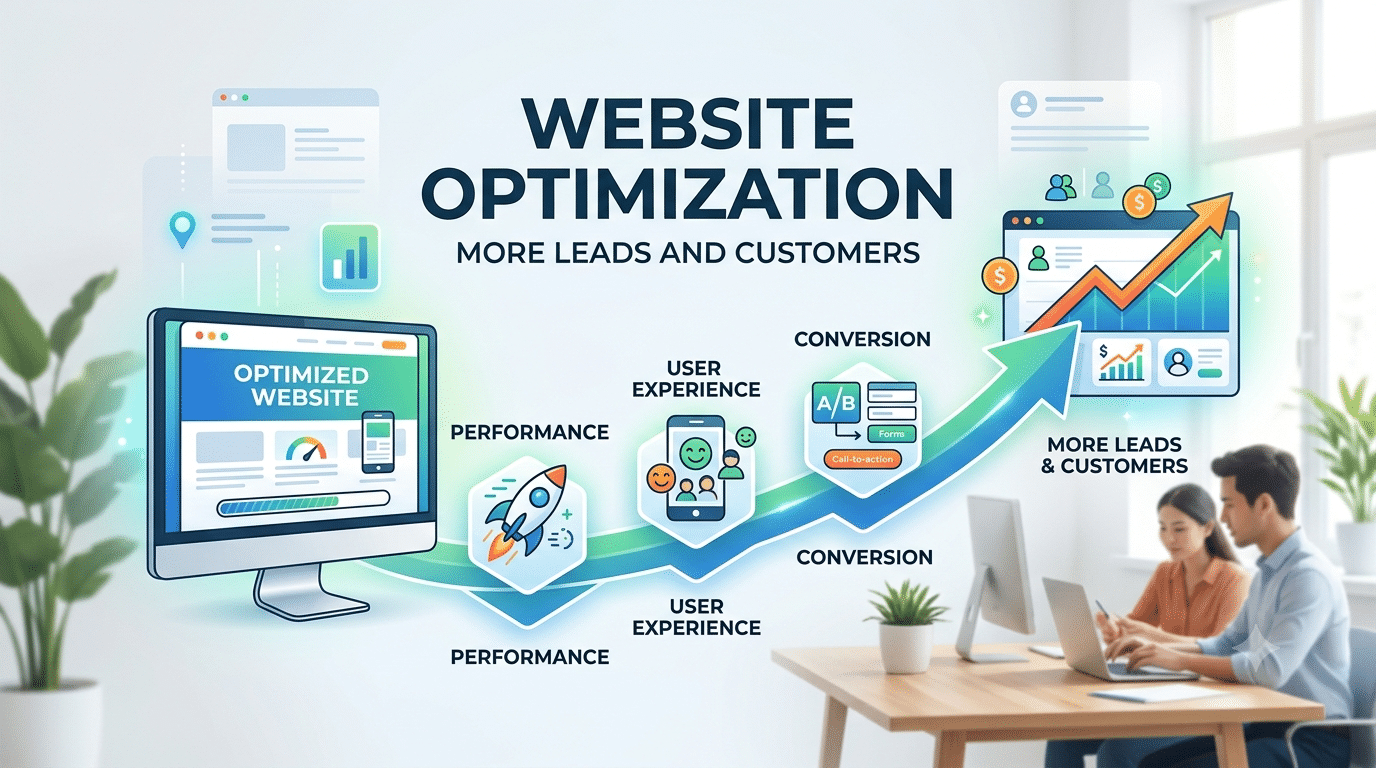
Do you want your website to attract more visitors, perform better in search engines, and generate more leads? Website optimization is an important step toward achieving these goals. A well-optimized website helps users find the information they need, navigate pages easily, and take meaningful actions, whether that means making a purchase, requesting a quote, or contacting your business.
Website optimization involves improving different aspects of a website, including technical SEO, page speed, content quality, mobile usability, internal linking, and conversion paths. These improvements help search engines understand your content and create a better experience for visitors.
In this guide, we will explain what website optimization means, why it matters, and which practical techniques you can use to improve your website’s performance.
What Is Website Optimization?
Website optimization is the process of improving a website’s technical performance, content, usability, and overall effectiveness to help it achieve its goals. These goals may include increasing organic traffic, improving user engagement, generating qualified leads, or increasing online sales.
Website optimization includes several important areas:
- Search engine optimization (SEO): Improving website structure, content, internal links, and technical accessibility to help search engines discover and understand your pages.
- Website speed optimization: Reducing unnecessary loading delays and improving page responsiveness.
- User experience optimization: Making the website easy to navigate, understand, and use across different devices.
- Conversion rate optimization (CRO): Identifying and improving elements that help visitors complete valuable actions.
- Mobile optimization: Ensuring that content, navigation, forms, and other functions work effectively on smartphones and tablets.
These areas are connected, but they require different approaches. For example, improving page speed may make a website more convenient to use, while improving content relevance may help a page better satisfy a search query.
Why Is Website Optimization Important?
Website optimization helps businesses create a stronger online presence by addressing problems that prevent visitors from finding, understanding, or using their websites.
Here are some of its main benefits.
1. Improve Organic Search Visibility
Search engines need to discover your pages, understand their content, and determine how relevant they are to a user’s query. Clear page titles, descriptive headings, helpful content, logical internal links, and accessible website architecture can support this process.
However, optimizing these elements does not guarantee higher rankings. Search visibility also depends on competition, content relevance, site quality, and other factors.
2. Provide a Better User Experience
Visitors should be able to find important information without unnecessary effort. Clear navigation, readable content, accessible buttons, and well-organized page layouts help users move through your website more easily.
A positive experience can make it easier for visitors to understand your products or services and decide whether to contact your business.
3. Improve Website Loading Speed
Slow-loading pages can interrupt the browsing experience, particularly on mobile devices and slower connections. Optimizing images, reducing unnecessary scripts, improving caching, and addressing server performance can help pages load more efficiently.
The actual improvement depends on the website’s existing problems and technical setup.
4. Generate More Qualified Leads and Sales
Website optimization should support business objectives, not just traffic growth. Clear service descriptions, useful product information, visible contact details, and straightforward forms can help visitors take the next step.
Monitor conversions alongside organic traffic to understand whether your optimization work is attracting the right audience.
8 Essential Website Optimization Techniques
1. Conduct Keyword Research and Optimize Your Content
Keyword research helps you understand what your target audience searches for and which questions they want answered. Use this information to create pages that match the needs and intent of your potential customers.
Start by identifying your primary keyword and a group of closely related search terms. Review the search results to understand whether people are looking for an explanation, a comparison, a product, or a service.
Follow these practices:
- Choose a primary topic for each important page.
- Use relevant keywords naturally in the page title, main heading, introduction, and appropriate subheadings.
- Cover related questions and supporting topics where they add value.
- Use clear, descriptive language instead of repeating exact-match keywords unnecessarily.
- Update existing content when information becomes outdated or no longer meets users’ needs.
For example, an article targeting “website optimization” may naturally cover related subjects such as website performance optimization, technical SEO, mobile usability, and conversion optimization.
Avoid creating multiple pages that target nearly identical search intent without a clear purpose. Instead, develop a useful content structure in which each page serves a distinct audience need.
2. Optimize Page Titles and Meta Descriptions
Page titles help users and search engines understand the main subject of a page. Meta descriptions provide a summary that may appear in search results, although Google can generate a different snippet based on the user’s query.
For effective on-page optimization:
- Write a unique, descriptive title for each important page.
- Place the main topic naturally within the title.
- Explain the page’s value in the meta description.
- Avoid repetitive keyword use and misleading claims.
- Make sure the title and description accurately reflect the page content.
For example:
SEO title: Website Optimization: 8 Techniques to Improve SEO & Speed
Meta description: Learn practical website optimization techniques to improve SEO, Core Web Vitals, mobile usability, page speed, user experience, and conversions.
There is no guaranteed title length or meta description length that works for every result. Aim for clarity and relevance, and check how important pages appear in search results.
3. Improve Your Website’s Internal Linking Structure
Internal links connect one page on your website to another. They help visitors discover related information and give search engines additional context about your site’s structure.
A well-planned internal linking strategy can also help users move from informational content to relevant products or services.
To improve internal linking:
- Link related blog posts, service pages, category pages, and supporting resources.
- Use descriptive anchor text that explains what the destination page covers.
- Link to important pages from relevant, accessible sections of your website.
- Check for broken internal links and unnecessary redirect chains.
- Ensure that important pages are not difficult for users or search engines to discover.
For example, a blog post about website speed optimization could link to a related technical SEO guide or a website audit service page, provided the link is useful to the reader.
Avoid forcing keywords into every anchor text. Links should read naturally and help visitors understand what they will find on the destination page.
4. Improve Website Speed and Core Web Vitals
Website speed affects how quickly visitors can see and interact with page content. It is important to evaluate actual performance rather than relying only on a general statement that a website feels slow.
Google’s Core Web Vitals measure three aspects of user experience:
- Largest Contentful Paint (LCP): Measures how quickly the main content becomes visible. A good result is 2.5 seconds or less.
- Interaction to Next Paint (INP): Measures how responsive a page is to user interactions. A good result is 200 milliseconds or less.
- Cumulative Layout Shift (CLS): Measures unexpected layout movement. A good result is 0.1 or less.
These thresholds are evaluated at the 75th percentile of real user experiences, with mobile and desktop assessed separately.
Use the following techniques to improve performance:
Optimize images: Resize images to appropriate dimensions, compress them, and use modern formats such as WebP or AVIF when suitable. Avoid lazy-loading the main above-the-fold image if doing so delays its display.
Reduce unnecessary JavaScript: Remove unused scripts and plugins, defer non-critical resources where appropriate, and investigate scripts that delay rendering or interaction.
Improve caching: Configure browser caching and suitable server-side caching so that repeat visits and frequently requested resources can be handled more efficiently.
Review hosting and server performance: Investigate slow server responses, database queries, and resource limitations if the problem cannot be resolved through front-end changes alone.
Use a content delivery network where appropriate: A CDN can deliver static resources from locations closer to visitors and reduce network delays.
Measure the results: Use PageSpeed Insights and real-user data to identify problems, implement changes, and check whether the improvements are measurable.
Combining CSS or JavaScript files is not automatically beneficial. Modern websites may perform better with appropriately split, compressed, and efficiently loaded resources. Test changes before applying them site-wide.
5. Make Your Website Mobile-Friendly
A mobile-friendly website should provide a consistent, usable experience across smartphones, tablets, and desktop computers.
Responsive design allows layouts to adapt to different screen sizes without requiring a separate website for every device.
Review the following elements:
- Ensure that text is readable without unnecessary zooming.
- Make buttons and navigation controls easy to use on touchscreens.
- Check that forms work properly on smaller screens.
- Prevent images, tables, and other elements from overflowing their containers.
- Keep important content accessible on mobile devices.
- Avoid intrusive pop-ups that make the page difficult to use.
- Test key user journeys, including contact forms, checkout steps, and calls to action.
Google primarily uses the mobile version of website content for indexing. Make sure that important information, metadata, structured data, and internal links are consistent and accessible on mobile.
You do not need to implement Accelerated Mobile Pages (AMP) simply to rank in Google Search. Focus on responsive design, accessible content, and measurable performance improvements.
6. Create Helpful, Original, and Relevant Content
High-quality content should solve a problem, answer a question, or help readers make a decision. Publishing more articles is not necessarily beneficial if the content adds little beyond what already exists.
Before creating or updating a page, consider what the reader needs to accomplish and what information would help them do it.
Use these practices:
- Answer the main question early in the article.
- Organize information with descriptive headings and short, readable paragraphs.
- Explain complex concepts with examples, screenshots, or step-by-step instructions.
- Include original observations, practical experience, or case studies where available.
- Verify facts and update outdated recommendations.
- Cite reliable sources when making claims that require evidence.
- Add images, diagrams, or videos when they genuinely improve understanding.
For example, instead of simply recommending image compression, explain how to identify oversized images, choose appropriate dimensions, and measure the effect on loading performance.
If you use AI tools to assist with writing, review the output carefully for accuracy, originality, usefulness, and consistency with your audience’s needs. The objective is to publish valuable content, not simply to produce a high volume of pages.
7. Strengthen Technical SEO and Website Accessibility
Technical SEO helps search engines access and understand the pages you want to appear in search results. It also helps identify technical issues that can interfere with website usability.
Review the following areas regularly:
Crawlability and indexing: Check Google Search Console for indexing issues. Ensure that important pages are not accidentally blocked by robots.txt directives or marked with unintended noindex instructions.
Canonical URLs: Use appropriate canonical tags to indicate the preferred URL when duplicate or substantially similar pages exist.
XML sitemaps: Include the canonical URLs of important pages that you want search engines to discover. Keep the sitemap accurate and updated.
Redirects and broken links: Fix broken internal links, remove unnecessary redirect chains, and use appropriate redirects when URLs change.
HTTPS: Ensure that your website uses HTTPS correctly and that users are not exposed to certificate warnings or mixed-content problems.
Structured data: Add relevant structured data where appropriate and follow Google’s guidelines. Valid structured data can help search engines understand a page, but it does not guarantee enhanced search results.
Accessibility: Use descriptive link text, appropriate heading structure, text alternatives for meaningful images, and accessible forms and controls.
A technical audit should prioritize issues based on their actual impact. Not every warning requires immediate action, and fixing a technical issue does not automatically result in better rankings.
8. Optimize Your Website for Conversions
Website optimization should help visitors complete the actions that matter to your business. These may include submitting an inquiry, requesting a quote, booking an appointment, or purchasing a product.
Start by identifying the primary goal of each important page. Then review whether the content and layout help visitors achieve that goal.
Useful improvements include:
- Write clear calls to action that explain the next step.
- Make contact information easy to find.
- Keep forms simple and request only the information you need.
- Explain your services, pricing approach, or product benefits clearly.
- Display genuine reviews, relevant credentials, and verifiable case studies.
- Identify unnecessary steps in the purchasing or inquiry process.
- Test meaningful changes and measure their impact on conversions.
Use analytics to understand where visitors leave the conversion process. Combine quantitative data with user feedback when possible, and avoid assuming that every change will automatically improve results.
Step-by-Step Website Optimization Process
A structured process makes website optimization easier to manage and measure.
Step 1: Establish Your Current Performance
Start by documenting how the website performs before making changes.
Use Google Search Console to review organic impressions, clicks, search queries, indexing issues, and page performance. Use Google Analytics 4 or another suitable analytics platform to measure traffic and conversions.
Use PageSpeed Insights to identify performance problems and review Core Web Vitals data where available.
Choose measurements that match your objectives, such as qualified organic traffic, inquiry submissions, sales, page performance, or the number of important pages indexed.
Step 2: Identify and Prioritize Problems
Review the information collected during your audit and determine which issues deserve attention first.
For example:
- A critical service page that cannot be indexed may require immediate attention.
- A slow landing page that receives qualified organic traffic may deserve performance improvements.
- An article that receives impressions but few clicks may need a more relevant title or better alignment with search intent.
- A page that attracts visitors but generates few inquiries may need clearer messaging or a more effective conversion path.
Prioritize issues based on their likely business impact, the strength of the evidence, and the effort required to resolve them.
Step 3: Implement the Improvements
Create an action plan that assigns each issue a clear solution and priority.
Depending on the audit findings, this may include updating content, improving internal links, correcting indexing problems, compressing images, reducing unnecessary scripts, or simplifying forms.
Avoid changing too many unrelated elements simultaneously if you need to understand which changes caused the results.
Step 4: Measure the Results
Compare performance after implementation with your original baseline.
Review changes in organic impressions, clicks, relevant keyword visibility, conversions, and technical performance. Account for seasonality, competition, tracking changes, and other factors that may affect the data.
Technical fixes may show measurable improvements quickly, while organic search performance can take longer to reflect content and structural changes. There is no universal timeline for ranking improvements.
Step 5: Monitor and Refine Your Website
Website optimization is an ongoing process. Websites change as new content is published, software is updated, products are added, and user needs evolve.
Schedule periodic checks for indexing issues, broken links, performance problems, outdated content, and conversion tracking. Revisit your priorities when the data shows new opportunities or problems.
How to Measure Website Optimization Results
The right measurements depend on the objective of your optimization work.
| Objective | What to monitor | Useful tool |
|---|---|---|
| Improve organic visibility | Impressions, clicks, queries, and page performance | Google Search Console |
| Improve page speed | LCP, INP, CLS, and loading diagnostics | PageSpeed Insights |
| Understand visitor behavior | Landing pages, engagement, and user journeys | Google Analytics 4 |
| Generate more leads | Form submissions, calls, and qualified inquiries | Analytics and conversion tracking |
| Improve technical SEO | Indexing, crawl issues, and sitemap status | Google Search Console |
Use these tools together rather than relying on a single metric. For example, higher organic traffic is useful, but the quality of that traffic and the conversions it generates also matter.
Common Website Optimization Mistakes to Avoid
Even well-intentioned optimization work can create problems when it is not based on evidence.
Keyword stuffing: Repeating keywords unnaturally can reduce readability and may violate spam policies. Focus on clear, relevant language.
Publishing repetitive content: Creating multiple pages with little original value can waste resources and make the site harder to maintain.
Ignoring mobile usability: A page that works well on a desktop may still have difficult navigation, unreadable text, or broken forms on a smartphone.
Making technical changes without testing: Removing scripts, changing caching rules, or modifying redirects can break important website functions. Test changes and monitor their effects.
Chasing performance scores alone: Lab scores are useful for diagnosis, but they do not replace real-user performance data or business outcomes.
Building irrelevant backlinks: Focus on earning relevant, credible links through useful content, genuine relationships, and legitimate promotion rather than manipulative link schemes.
Ignoring conversions: Traffic growth does not necessarily mean business growth. Track the actions that matter to your organization.
Frequently Asked Questions About Website Optimization
How long does website optimization take to show results?
The timeline depends on the type of improvement, the website’s current condition, competition, and the changes implemented. A technical fix may improve loading performance as soon as it takes effect, while organic search visibility can take weeks or months to change. Rankings and traffic improvements are not guaranteed.
Should I hire a professional for website optimization?
You may be able to handle basic tasks such as updating page titles, compressing images, or improving content. However, technical SEO, complex performance issues, website migrations, and conversion problems may require SEO specialist expertise. Choose professional support based on your website’s needs, resources, and business objectives.
How important is mobile optimization for SEO?
Mobile optimization is important because Google primarily uses the mobile version of a website’s content for indexing. A responsive design, accessible content, functional navigation, and good performance can help provide a better experience for mobile visitors.
Which tools can I use to optimize my website?
Google Search Console helps you monitor search performance and indexing. PageSpeed Insights provides performance diagnostics and Core Web Vitals information. Google Analytics 4 helps measure user behavior and conversions. A crawling tool can also help identify technical issues, broken links, and problems with page metadata.
How often should I optimize my website?
Website optimization should be ongoing, but the review frequency depends on the website’s size and how often it changes. Monitor critical technical issues regularly, review performance trends monthly where appropriate, and conduct more detailed audits periodically or after significant website changes.
Does website optimization guarantee higher Google rankings?
No. Website optimization can help improve technical accessibility, content relevance, usability, and performance, but it cannot guarantee a particular ranking. Search results are influenced by multiple factors, including search intent, competition, content quality, and Google’s ranking systems.
Final Thoughts
Website optimization is about making your website more useful to visitors while helping search engines discover and understand its content. Improving technical SEO, page speed, mobile usability, internal linking, and content quality can create a stronger foundation for organic visibility and business growth.
Start by auditing your website, identifying the problems that matter most, and implementing changes based on evidence. Measure the results, learn from user behavior, and continue improving your pages over time.
A successful optimization strategy combines technical improvements with helpful content and a clear understanding of what your audience needs. When these elements work together, your website is better positioned to attract relevant visitors and turn them into meaningful business opportunities.
